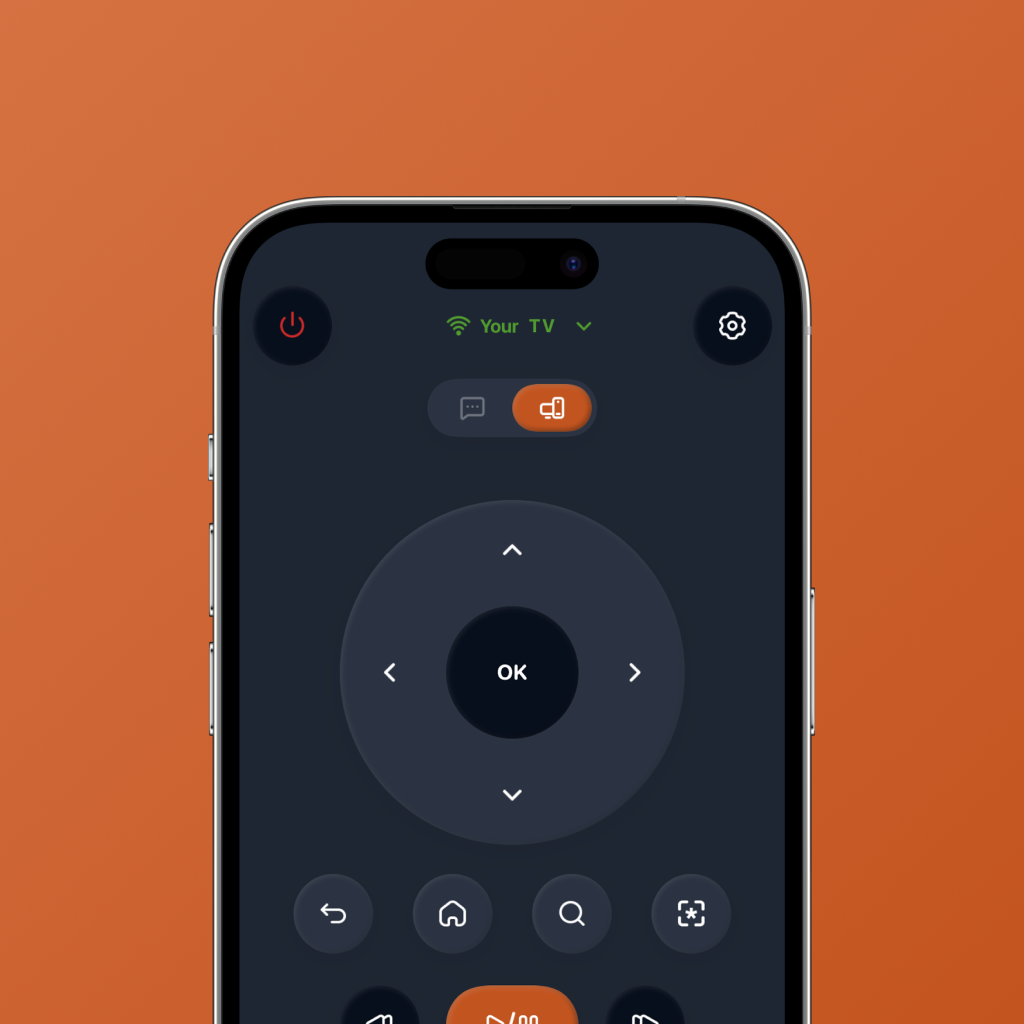
TV remotes were not designed for streaming nights.
Traditional TV remotes were built for a simpler job: change channels, adjust volume, press play, and turn the TV off. That made sense when TV was mostly linear.
But modern TV watching is different. You open Netflix, jump to Prime Video, search YouTube, browse Apple TV, go back to the home screen, type with a slow on-screen keyboard, and then spend another ten minutes deciding what to watch.
That is why a TV remote app is no longer just a backup for a lost remote. The right app can make the entire streaming flow faster.
It is not just about controlling the TV. It is about getting from “let’s watch something” to actually watching something.
What makes the best TV remote app?
A basic remote control app copies the physical remote onto your phone. That is useful, but it is not enough for how people stream today.
The best TV remote app should feel built around modern TV behavior: streaming app launch, search, playback, navigation, and quick decisions.
Clean remote controls
Power, navigation, back, home, playback, and volume should be easy to reach without turning the interface into a wall of buttons.
Fast app launch
A good smart TV remote app should help you jump into your favorite streaming apps without digging through the TV home screen.
Easier search
Typing on TV is painful. A phone remote should reduce search friction and make it easier to find what you already want to play.
Streaming-first design
The best TV remote app should understand that people switch between apps, browse, search, pause, resume, and jump around constantly.
Help choosing what to watch
Sometimes the biggest blocker is not the remote. It is deciding what movie or TV show fits the mood. AI watch picks can help here.
Simple enough to use daily
The app should feel faster than grabbing a physical remote — not like another complicated control panel.
Physical remote vs basic remote app vs FlykMote
A physical remote is still useful, but it has obvious limits. A basic TV remote app solves some of those problems. FlykMote is designed to go one step further.
| Need | Physical remote | Basic remote app | FlykMote |
|---|---|---|---|
| Control the TV | Yes | Yes | Yes |
| Use your phone as a remote | No | Yes | Yes |
| Launch streaming apps quickly | Limited | Sometimes | Yes |
| Reduce search friction | No | Sometimes | Yes |
| AI movie and TV recommendations | No | No | Yes |
| Built for streaming behavior | No | Rarely | Yes |
Why FlykMote is different
Most TV remote apps focus only on replacing the buttons from your physical remote. FlykMote starts with that core remote experience, but it is built around the bigger streaming problem.
It helps you control your TV, launch streaming apps faster, search with less friction, and get AI-powered movie and TV show recommendations when you are stuck choosing what to watch.
That makes FlykMote less like a basic utility and more like a shortcut from “I want to watch something” to “this looks good, play it.”
A physical remote controls the TV. FlykMote helps you get to what you actually want to watch.
Who should use a TV remote app like FlykMote?
FlykMote is especially useful if your TV time usually starts with friction.
- You often lose your physical remote.
- You hate typing with a TV remote.
- You switch between Netflix, Prime Video, YouTube, Apple TV, and other streaming apps.
- You want a cleaner phone remote for TV navigation and playback.
- You spend more time browsing than watching.
- You want AI movie and TV show recommendations based on your mood.
So, what is the best TV remote app?
The best TV remote app is the one that solves the job you actually have. If you only need emergency controls when your physical remote is missing, a basic remote app might be enough.
But if your TV time is mostly streaming, searching, app switching, and trying to decide what to watch, you need something smarter.
That is the space FlykMote is built for: a smart TV remote app that combines clean controls, fast streaming app access, and AI watch picks in one phone-first experience.